Your Patreon.On Apple TV.
Watch videos and listen to audio from the creators you support. Use your Apple TV remote. No casting required.
Apple TV
Patron Saint
Coming soon
Pending App Store approval
iPhone
Patron Saint Connect

Free · Available now
Requires an Apple TV and an iPhone for setup.
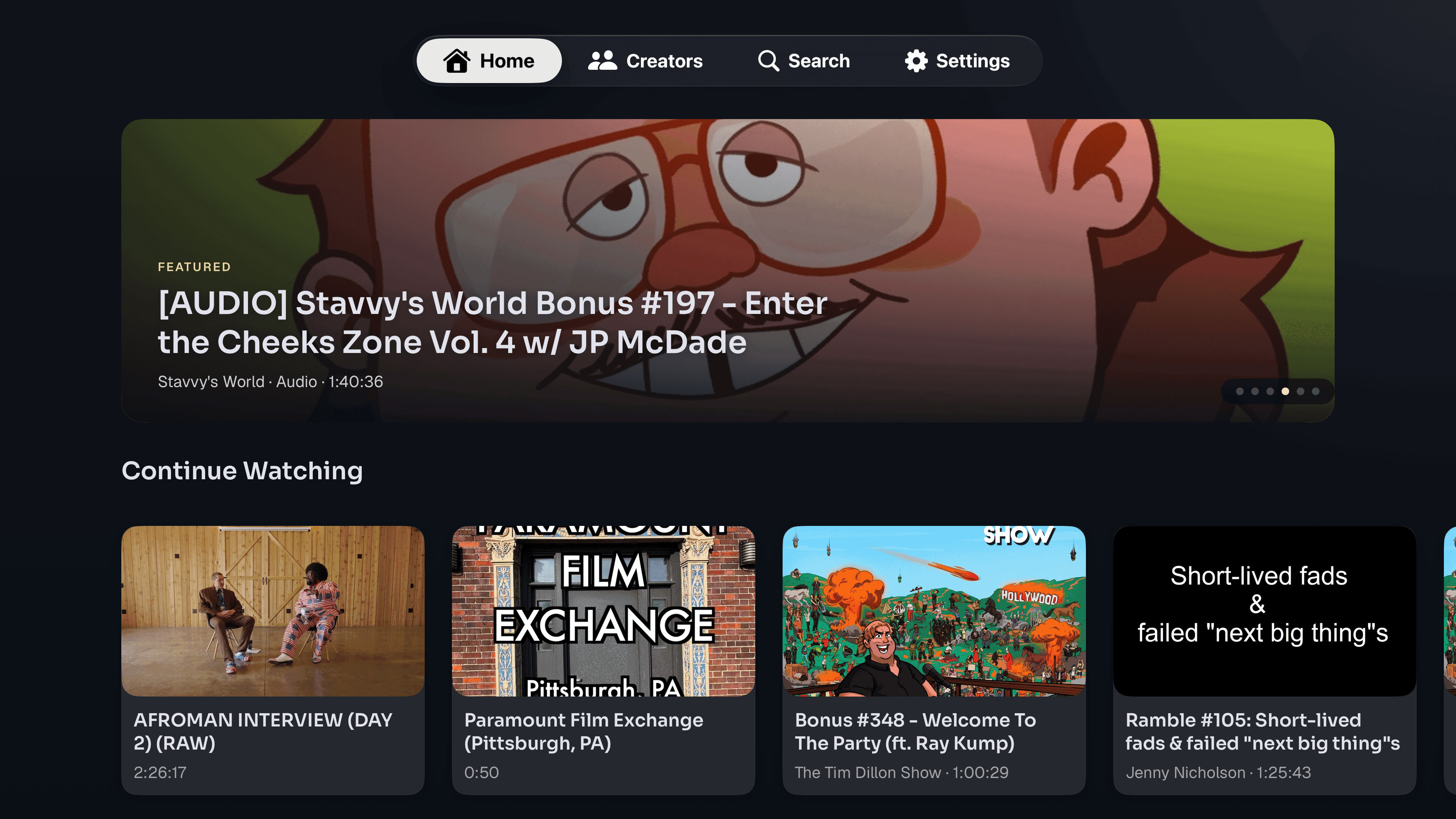
Find something to watch.
Browse your creators, choose a post, and control playback with your Apple TV remote.
Videos and audio hosted on Patreon play in Patron Saint. YouTube and Vimeo posts open in their respective Apple TV apps.
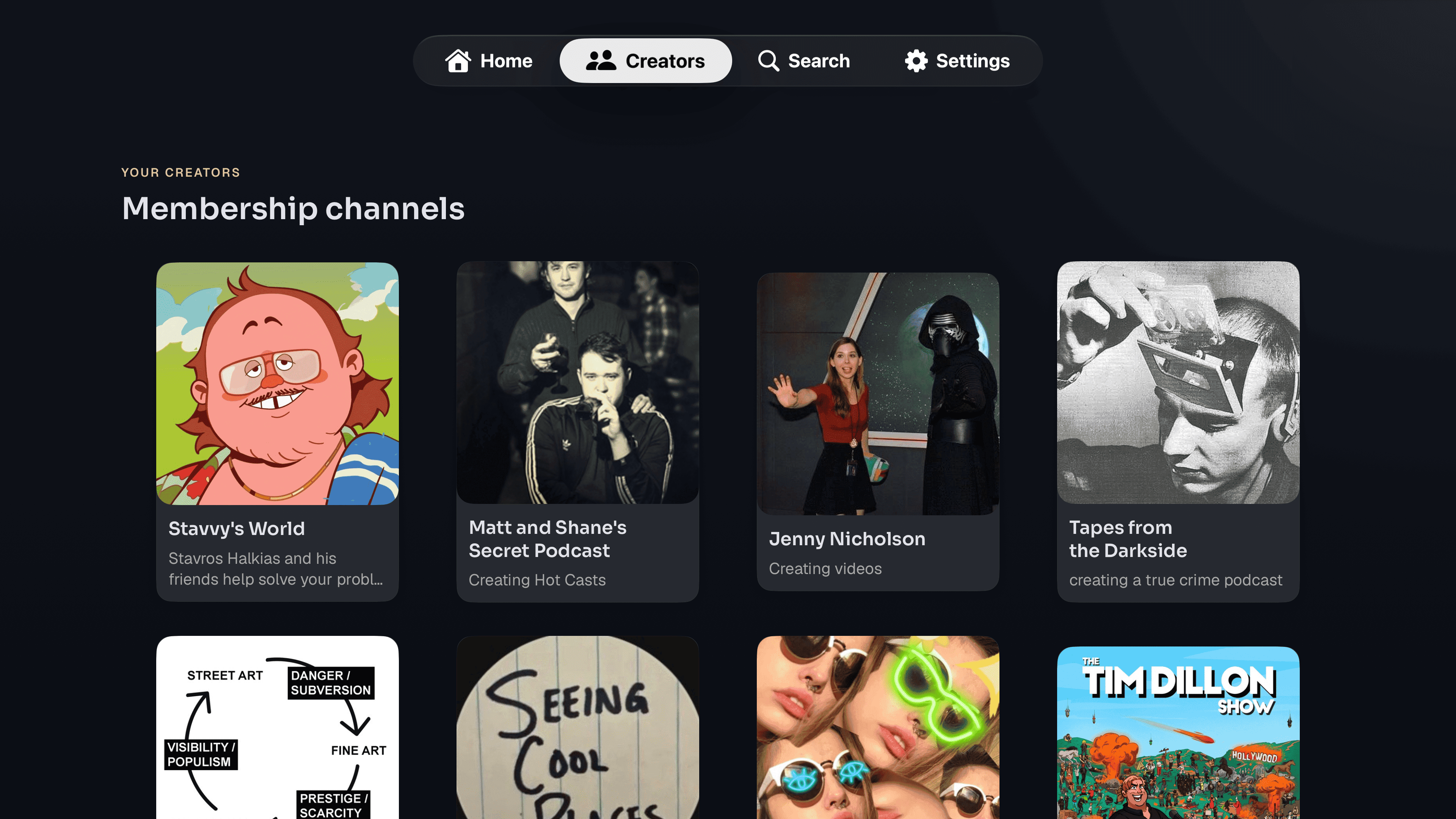
Your creators, together.
Browse the creators you support and open their posts from your TV.
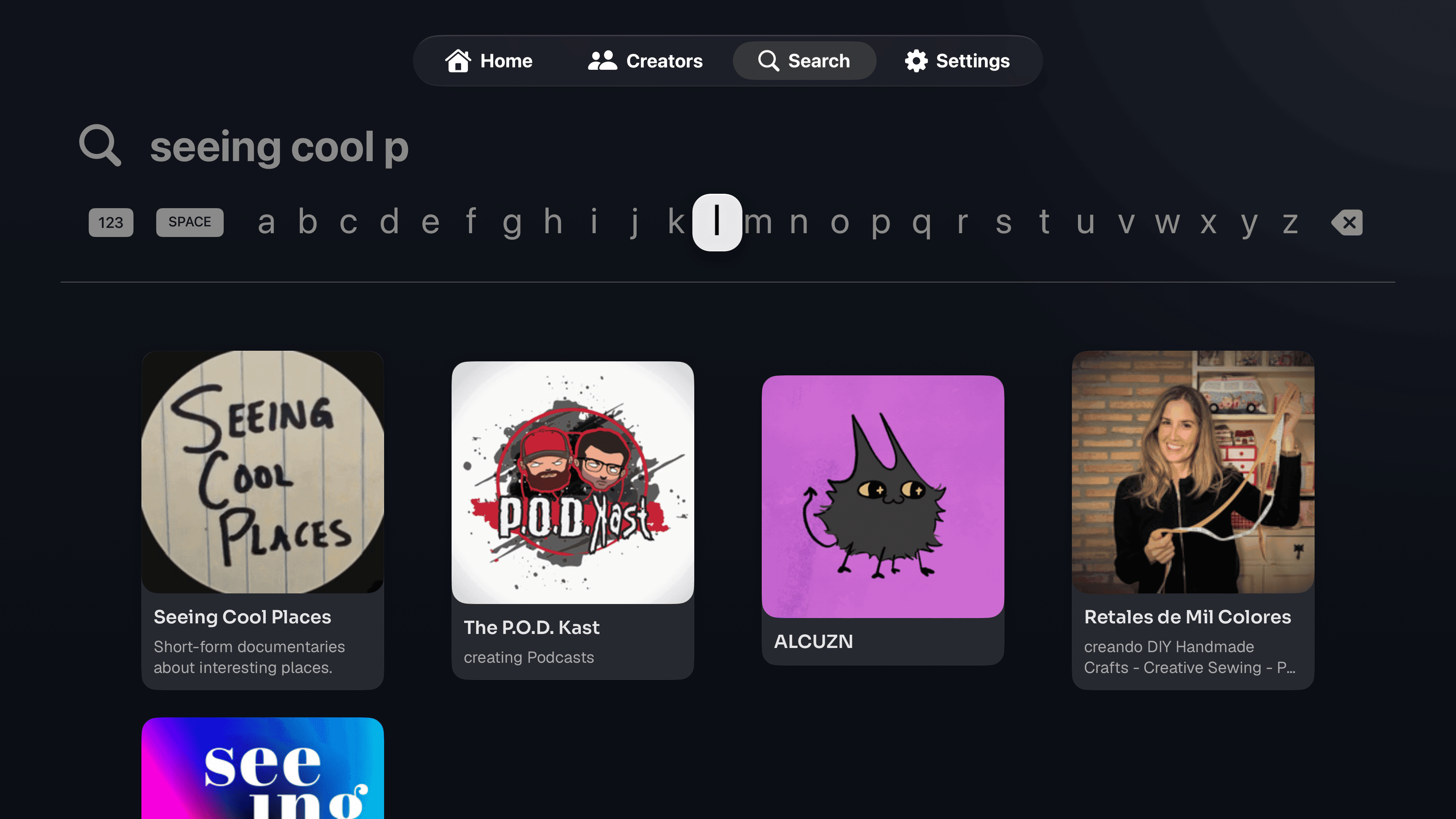
Find a creator by name.
Search for a creator and open their page without scrolling through your memberships.
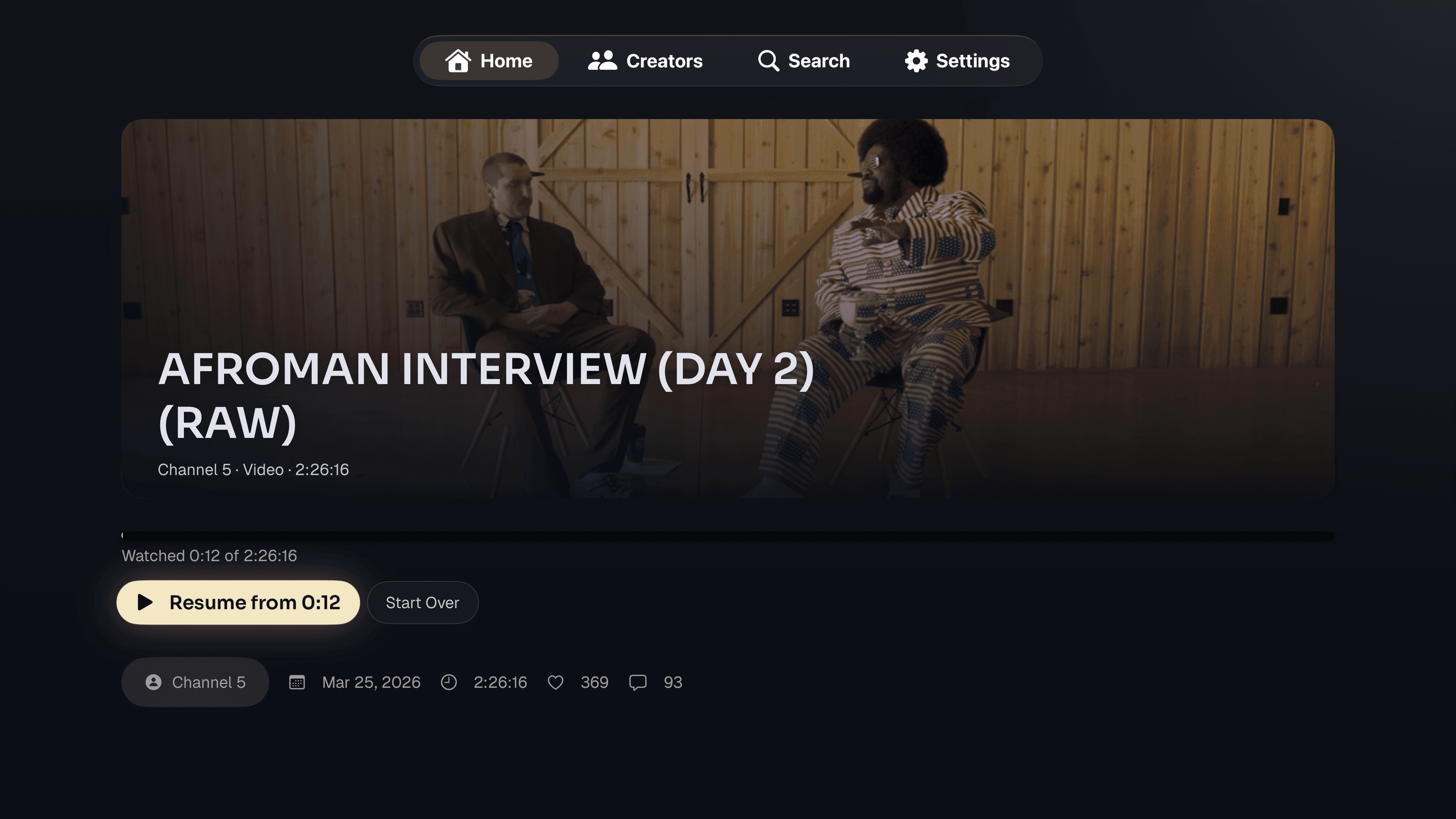
Continue where you left off.
Check a post’s description and duration, then start watching or resume from your saved place.
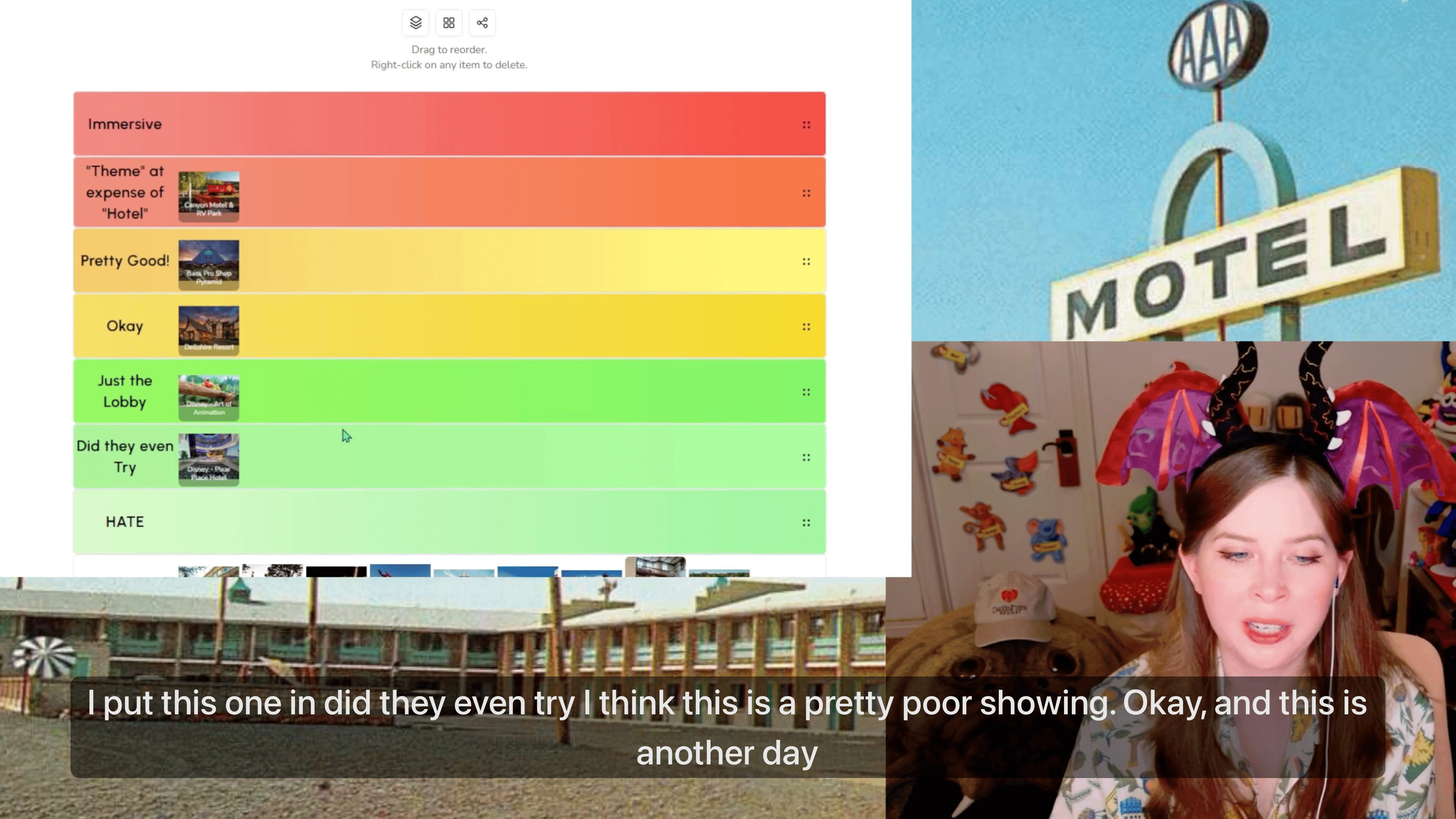
Press play. Put your phone down.
Videos and audio hosted on Patreon play directly on Apple TV. Your iPhone doesn’t need to stay connected.
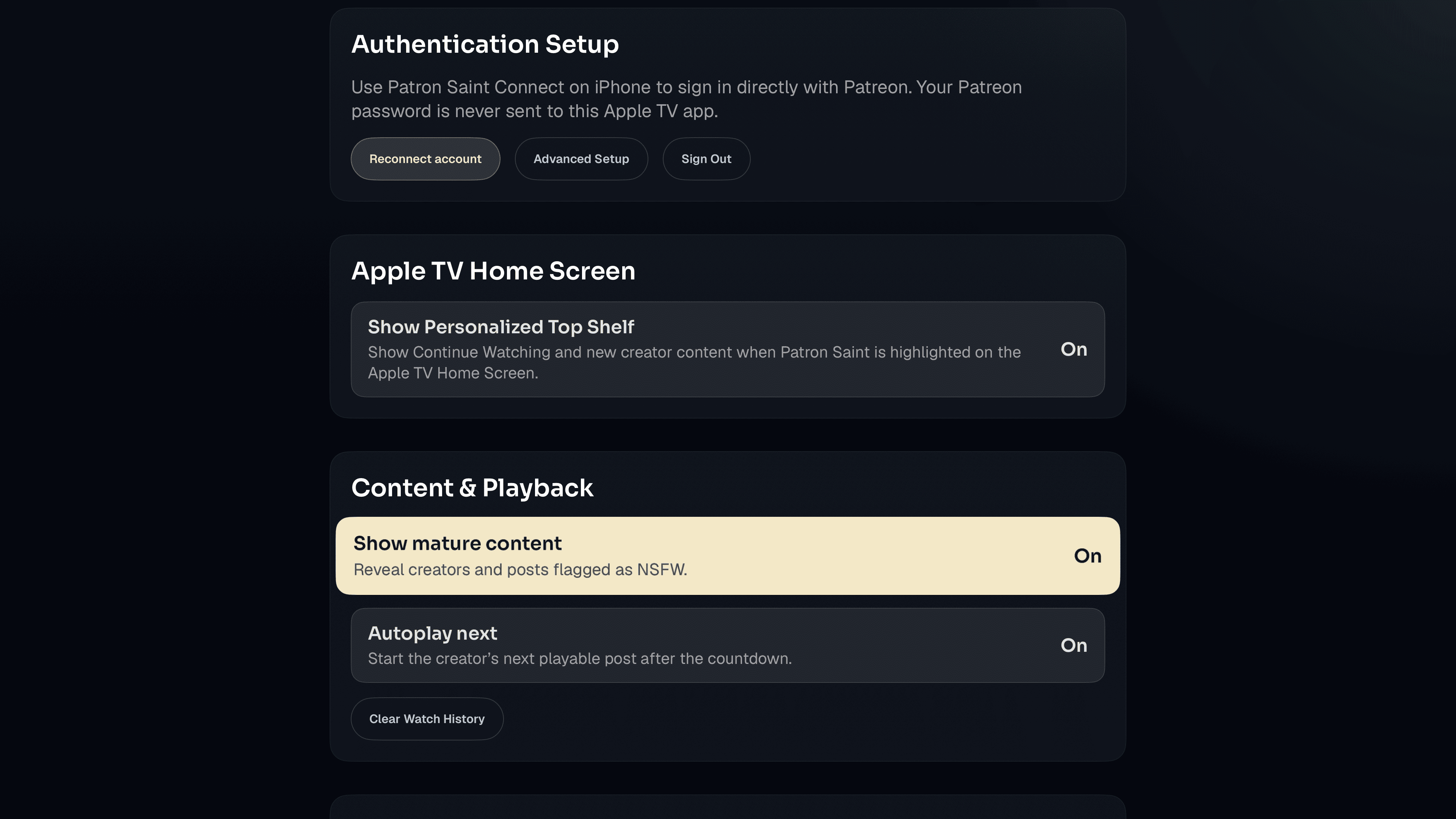
Choose what happens next.
Turn autoplay on or off, manage your watch history, and adjust mature-content settings.
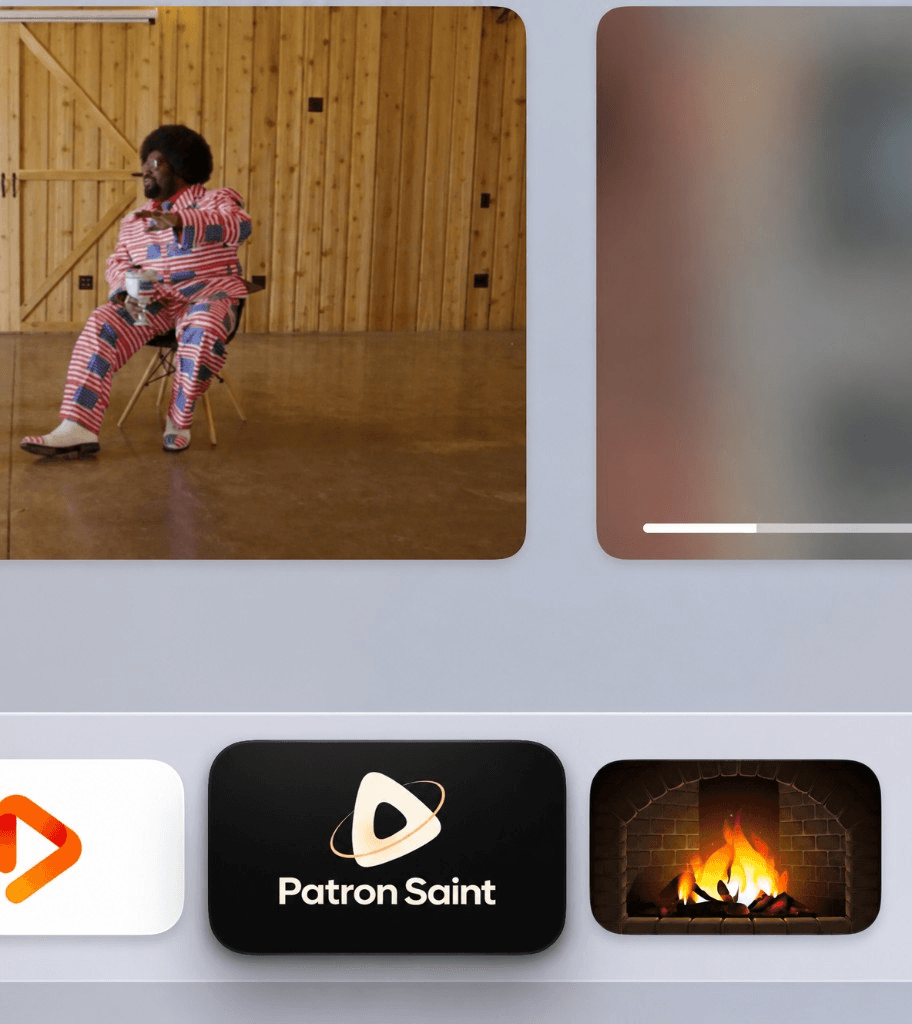
Pick up from the Home Screen.
When Patron Saint is highlighted, the Top Shelf shows what you’re watching and new posts from your creators. You can turn it off in Settings.
Connect on iPhone.Watch on Apple TV.
When Patron Saint launches, use the free Patron Saint Connect app to sign in to Patreon and connect your Apple TV.
Install both apps.
Get Patron Saint on Apple TV and Patron Saint Connect on your iPhone.
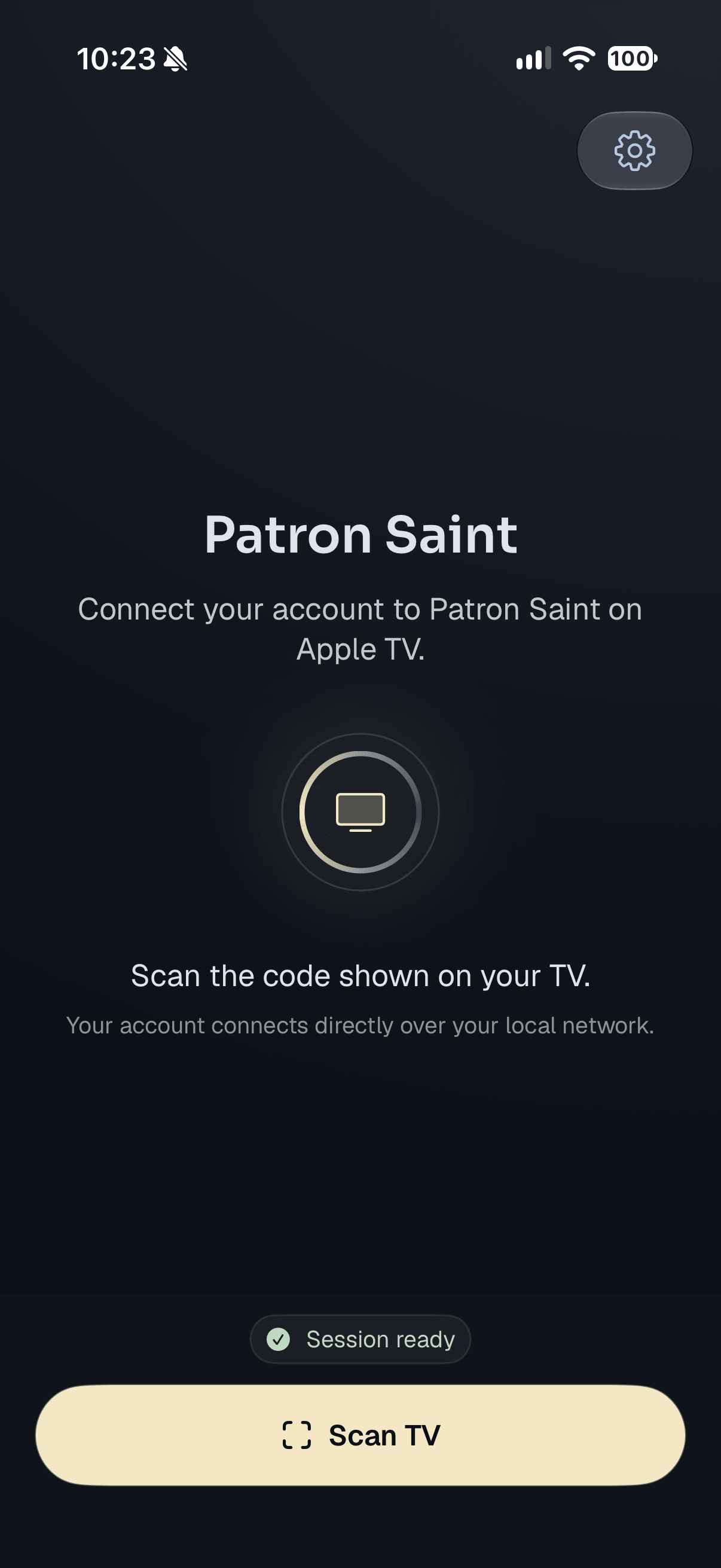
Connect your account.
Scan the QR code on your TV with Patron Saint Connect. Sign in to Patreon if prompted, then confirm that the six-digit codes match.
Choose something to watch.
Browse your creators and play a post with your Apple TV remote. Your phone can go back in your pocket.
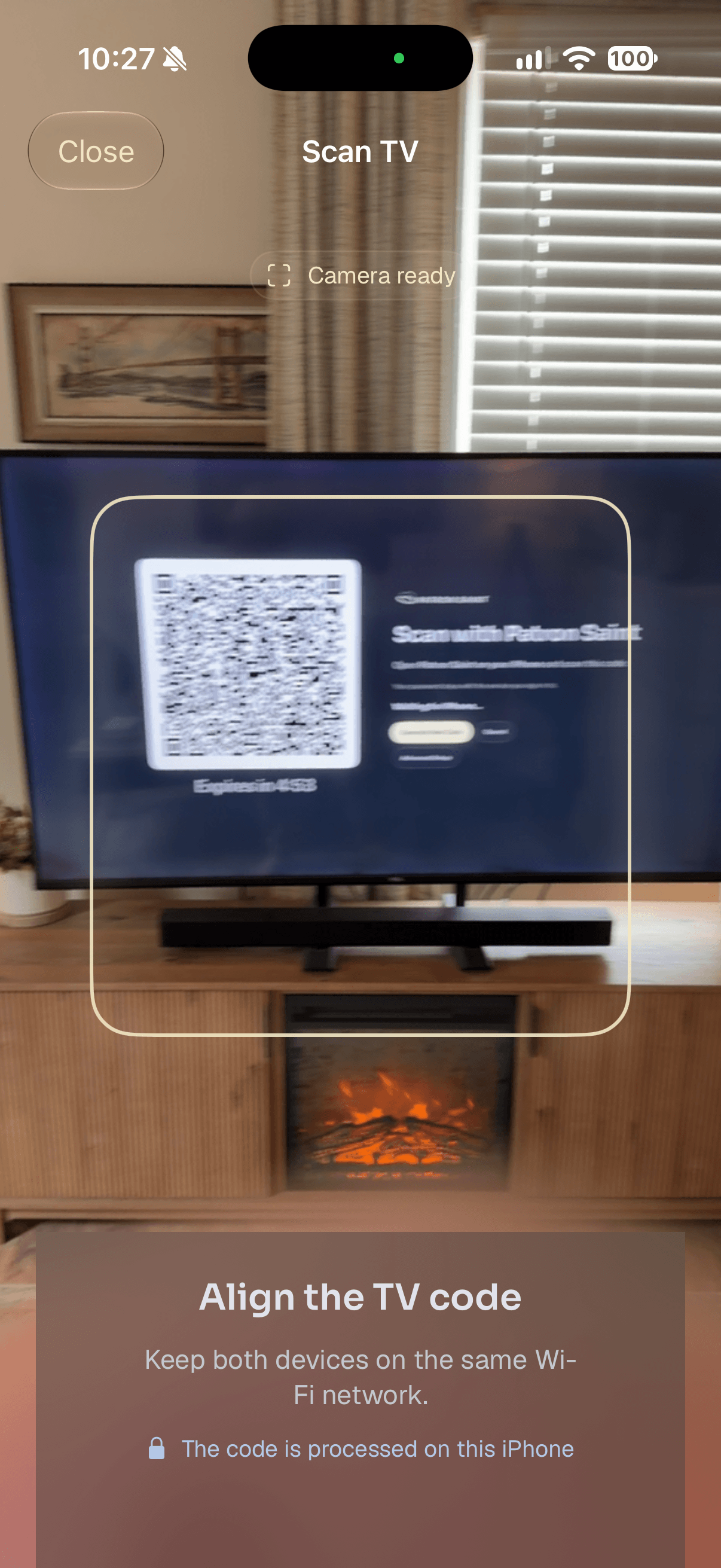
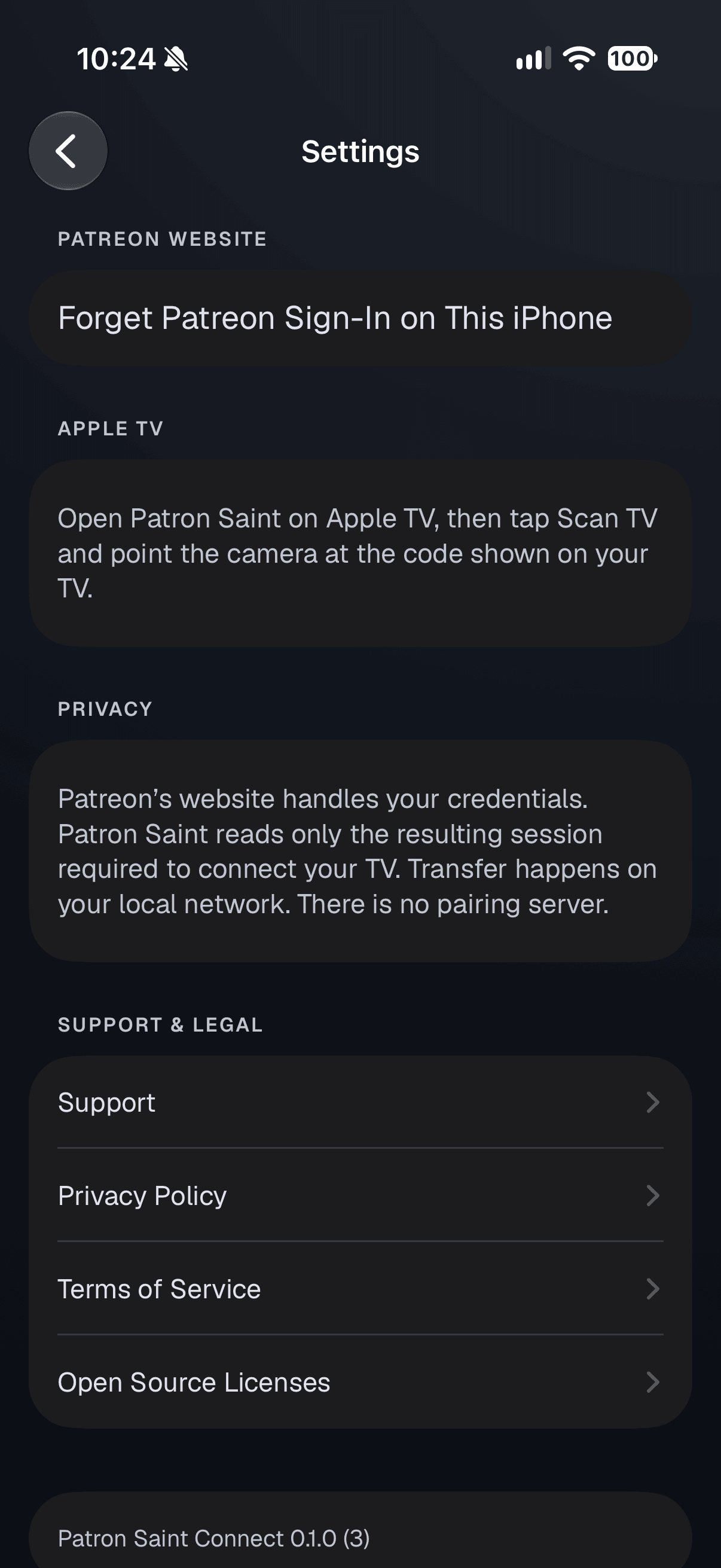
Sign-in happens on Patreon’s website. If you usually sign in with Google, Apple, or Facebook, add a Patreon password first.
Watch on Apple TV.Connect with iPhone.
Patron Saint for Apple TV is coming soon. Get the free iPhone companion ready for launch.
Apple TV
Patron Saint
Watch videos and listen to audio from your Patreon memberships.
Coming soon
Pending App Store approval
iPhone
Patron Saint Connect
Connect your Patreon account to your Apple TV.
Free · Available now
An Apple TV and an iPhone are required for setup. Patreon memberships are separate.